So Actually You Can't Do That
published: July 15, 2026
tags:
til |
ai |
image-generation |
reading time: 7 minutes
by @ibrathesheriff 
So this one starts with me attempting to develop a project exercise for one of my student’s. We recently completed Python object-oriented programming basics so I wanted to create a small project for my student to apply the constructs we had discussed. Initially, I was thinking something basic like a banking system where the Account class can be the parent class and different account types e.g. Cheque account, Savings account, can inherit from it, but I felt that was quite plain. It’s nice when you get a project that you can play and brag about to your friends. Banking just isn’t sexy enough.
So I started thinking about gaming: maybe a Chess project or Space Invaders could do the trick. I wanted a small scope as my student only has a few days to complete this project. So I called a friend - Gemini. Shh, Claude has me on a time out ;(
Gemini and I landed on Dungeon Escape.
The Lore
Deep beneath the ruins of the ancient kingdom of Oakhaven lies the Whispering Dungeon, a subterranean labyrinth carved from crumbling grey stone. For centuries, adventurers, rogues, and knights have spoken in hushed tones of the Lost Royal Chest, an artefact of immense power overflowing with ancient gold and a radiant sapphire. But the dungeon does not yield its secrets easily. The labyrinth is rigged with ancient, pressure-sensitive floor spikes and patrolled by territorial, glowing-eyed cavern rats.
You play as Sir Gareth, a brave (but slightly lost) knight who has finally stumbled into the heart of the labyrinth. Armed with only a sword, a shield, and your wits, you must navigate the grid-based chambers to secure the treasure and find your way back to the surface.
One wrong step, however, and you will trigger the dungeon’s lethal traps or run headfirst into its lurking dangers.
Dungeon Escape
So it’s a simple game played on a square grid e.g. 8x8, representation of a dungeon floor. Our Hero starts at the bottom-left corner of the map, position (0, 0). Somewhere hidden in the shadows of the grid lie:
- The Treasure (T): Your ultimate goal. Reaching these coordinates wins the game.
- The Traps (X): Lethal, hidden spike traps. Stepping on one results in an immediate Game Over.
- The Grid (.): The crumbling grey stone floor tiles you must navigate.
The Hero moves one tile at a time using the standard W (Up), A (Left), S (Down), and D (Right) controls.
Terminal, is also not sexy
Initially, I was thinking to make this a terminal-based game with output shown on the standard output stream but I felt that was also not brag-worthy.
So…out with the terminal…in with the Graphical User Interface (GUI).
Problema
This should be easy!
I had setup the terminal-based code and now wanted to develop a skeleton for the GUI code using stddraw. Easy!
I got the canvas, scale and grid setup. All I needed was some basic game assets and I was good to do. Little did I know that I stumbled into a major problem.
Prompting:
Approach 1 was just download some assets from somewhere on the Web:
where can I get graphics for the player, treasure and trap for a User Interface
I got too lazy to look through images and thought let me save myself some time and use the 2026 go-to approach: let the AI do it.
So Approach 2, let the AI do it:
Just generate me images using Nano Banana
I got this:
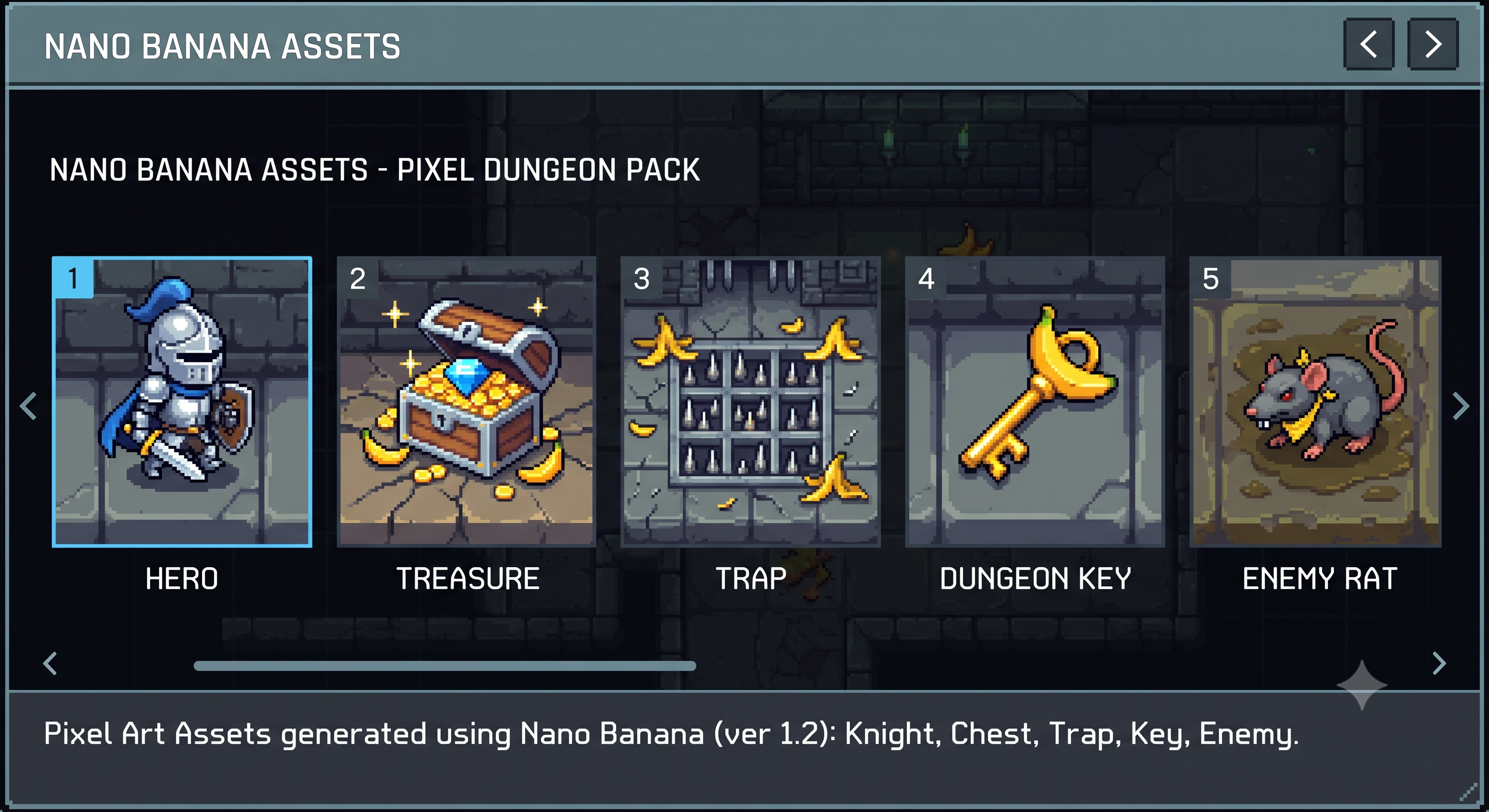
At this moment in time, I got so excited. “I knew this was going to save me so much time”, I said.
Like taking candy from a baby - “All I have to do is ask Gemini to split this into separate asset files”:
No generate 1 image per item

One image for the hero

One image for the treasure

One image for the trap

One image for the enemy rat

One image for the dungeon key

I like the images in the above image but they are in one photo
I got this:
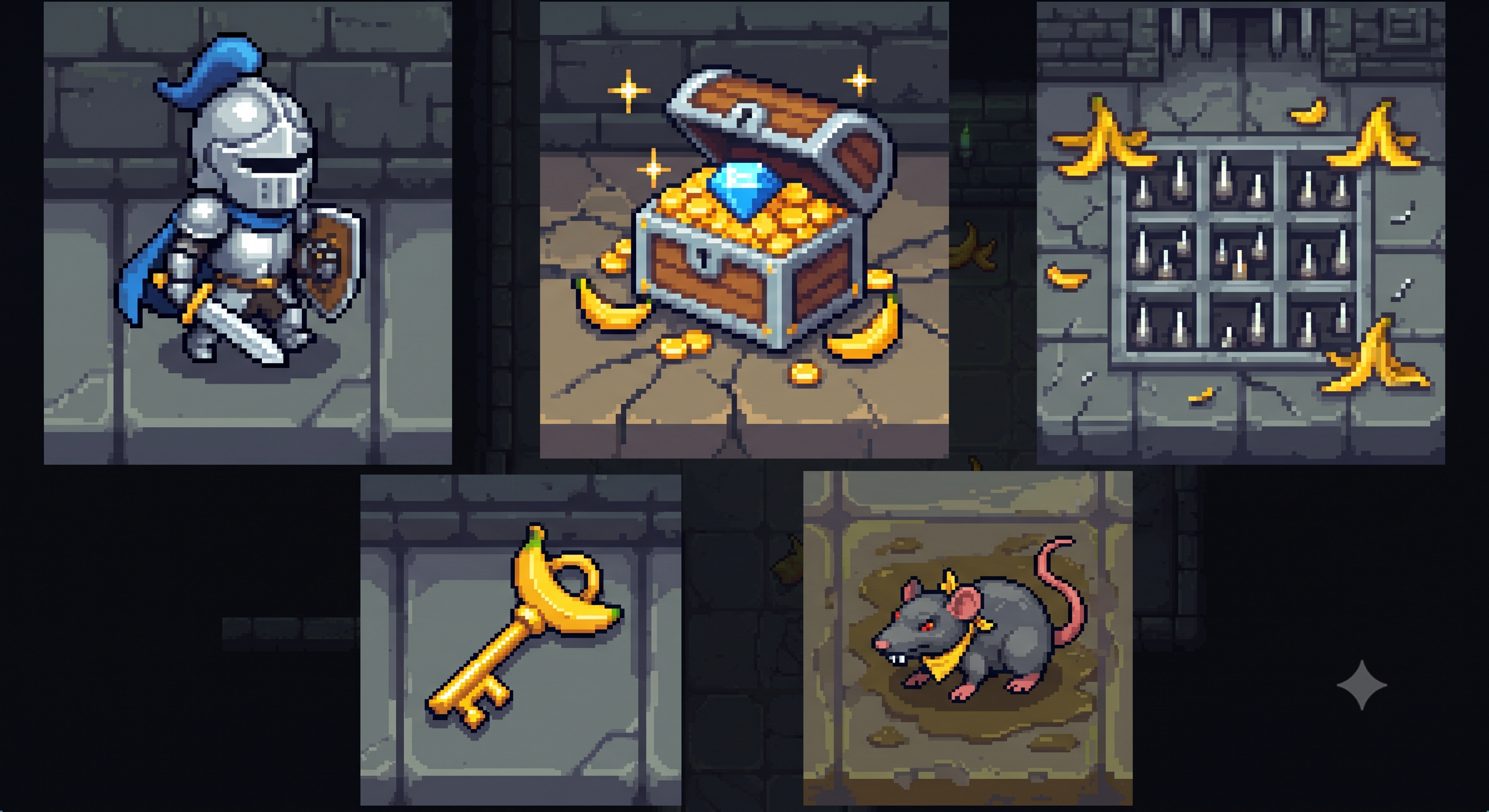
But why does AI keep doing me like this?
That's not it.

Let's just do an image of the hero
I got this:
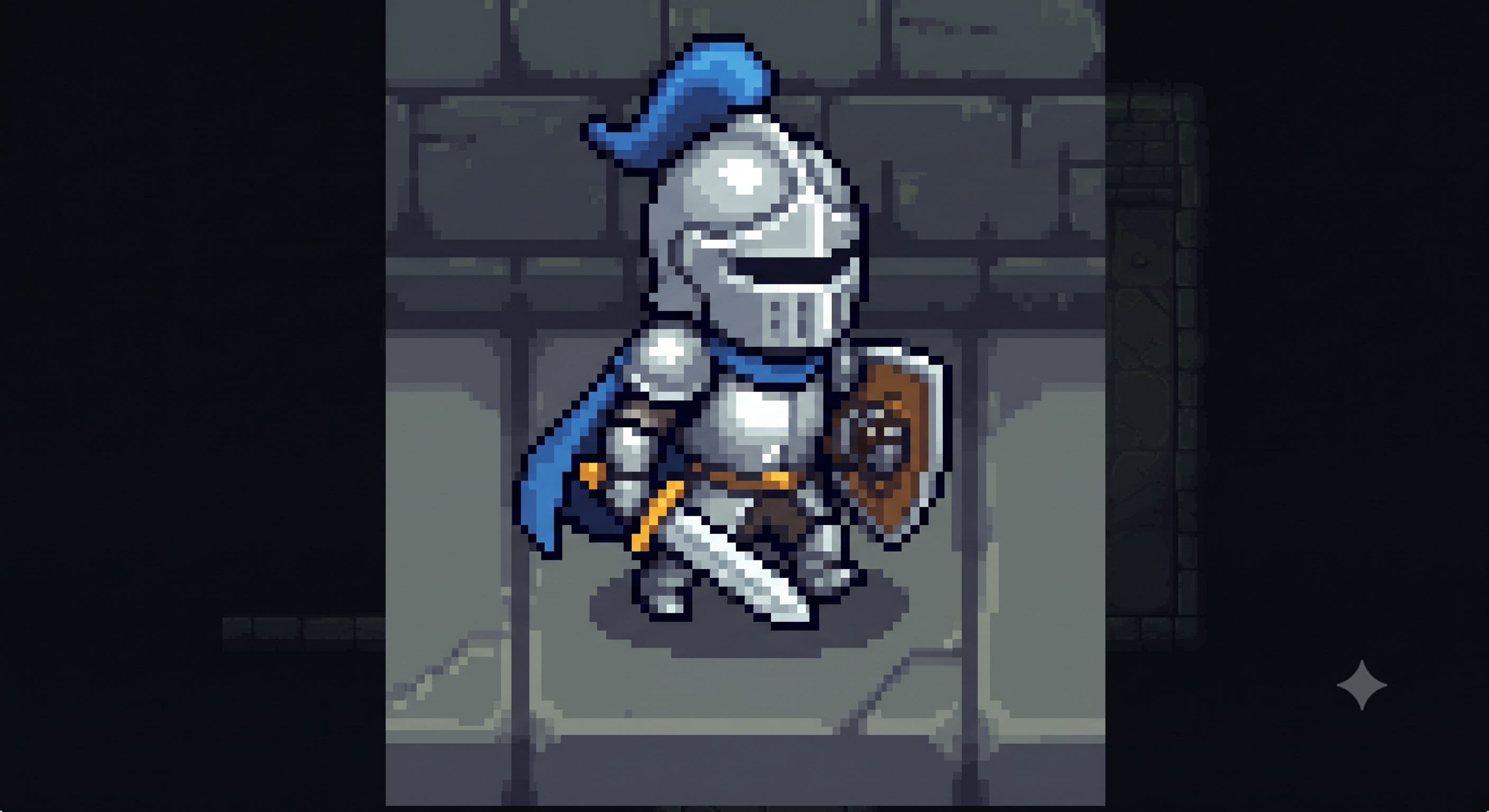
Make it a square image and remove the extra light blue background
I got this:
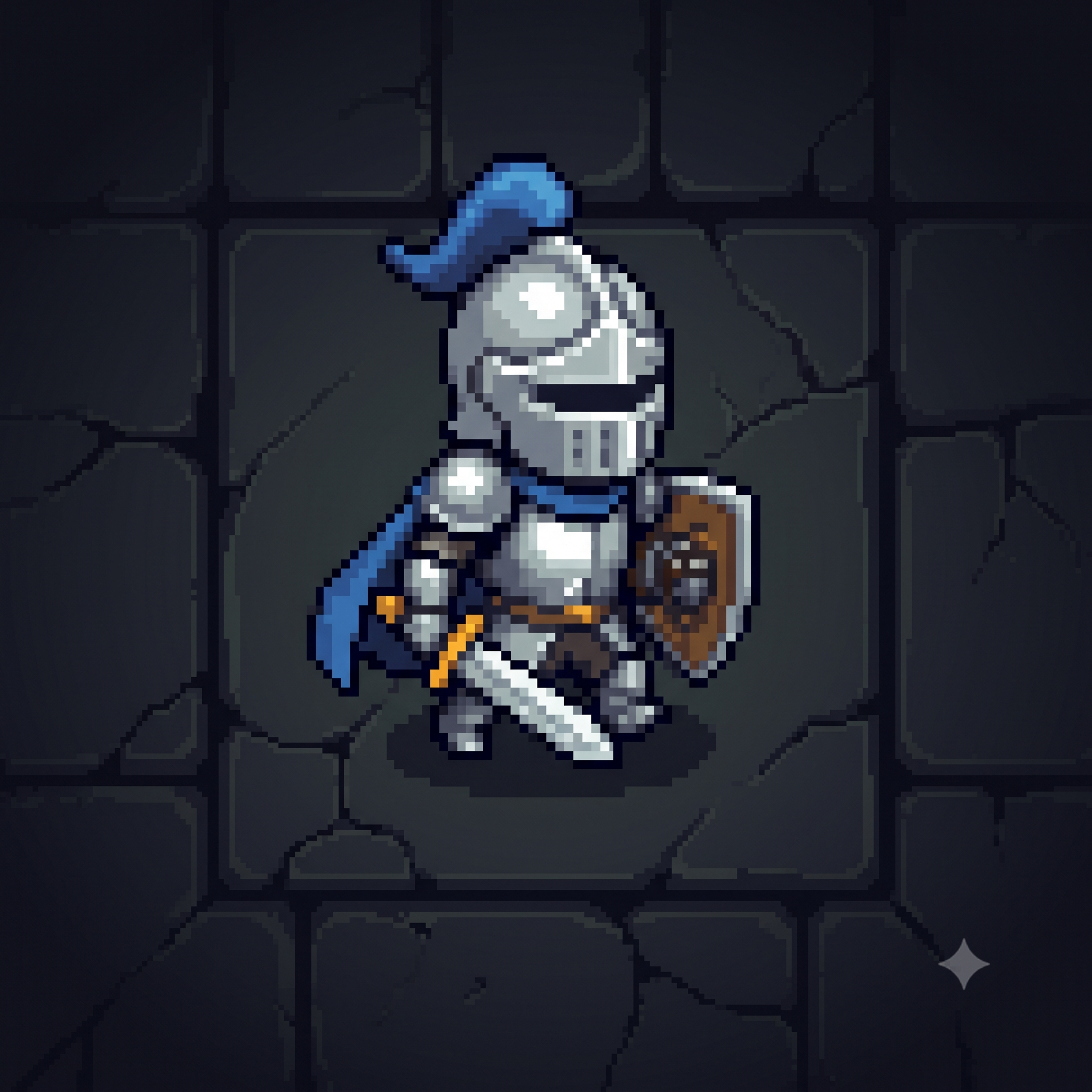
No. That's not the original. Just the hero on the grey bricks please. Forget this dark blue shadow
I got this:
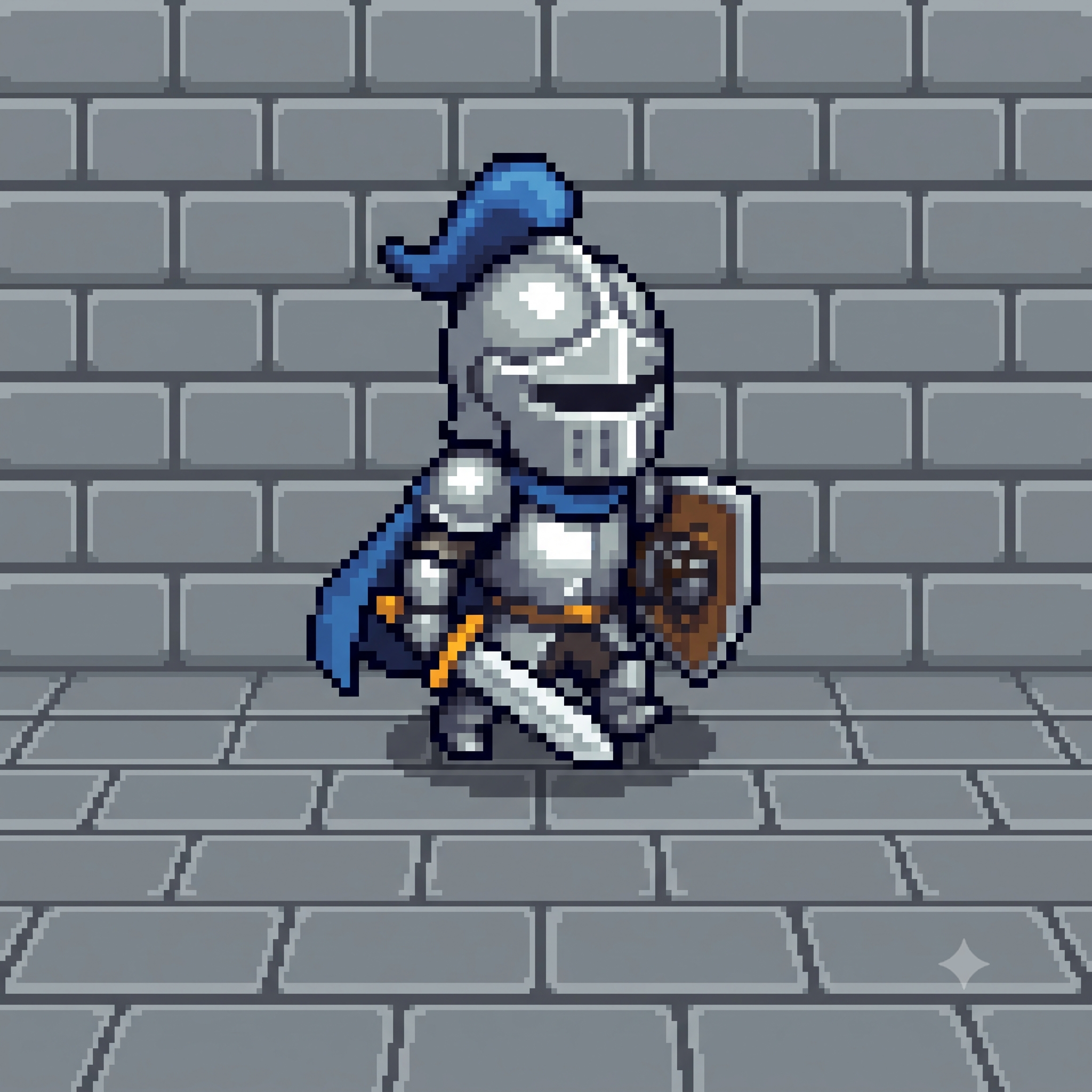
Gemini what's happening?

This is not what I am asking for
At this point I just lost the plot.
My issue with AI sometimes
I enjoy working with AI but I really get irritated, angry even, when I don’t get the output I am looking for. And that’s not because AI gets it wrong or hallucinates but rather the expectation I would have set.
I was working on this Dungeons Escape while at a restaurant/cafe and had set out a bunch of tasks to complete before leaving. The irritation/anger hits because I’m most likely not going to hit my task goal for that day because I had this unreasonable expectation that AI was going to buy me time.
I’m not sure if that expectation is because of tech bro hype or because of the Dunning-Kruger Effect.
Let me call a friend…A Human friend this time
So after some mean exchanges with Gemini which included hits like:
Now generate them with Nano Banana as 5 separate images
It literally gave me the image with all the assets again.
Is this 1 image or 5?
Maybe it doesn’t know?
Response: This is one image file that contains a compilation of five separate artwork panels, all generated within the same square frame…
And then it suggested opening an free editor (Paint, Preview, Photoshop, GIMP) to crop the images myself. Which is crazy, I was too lazy to search through assets on sites like:
No way I’m going to do the hard work myself. I decided to call a friend for a rescue. I posted the following message on the ShippingMates group:
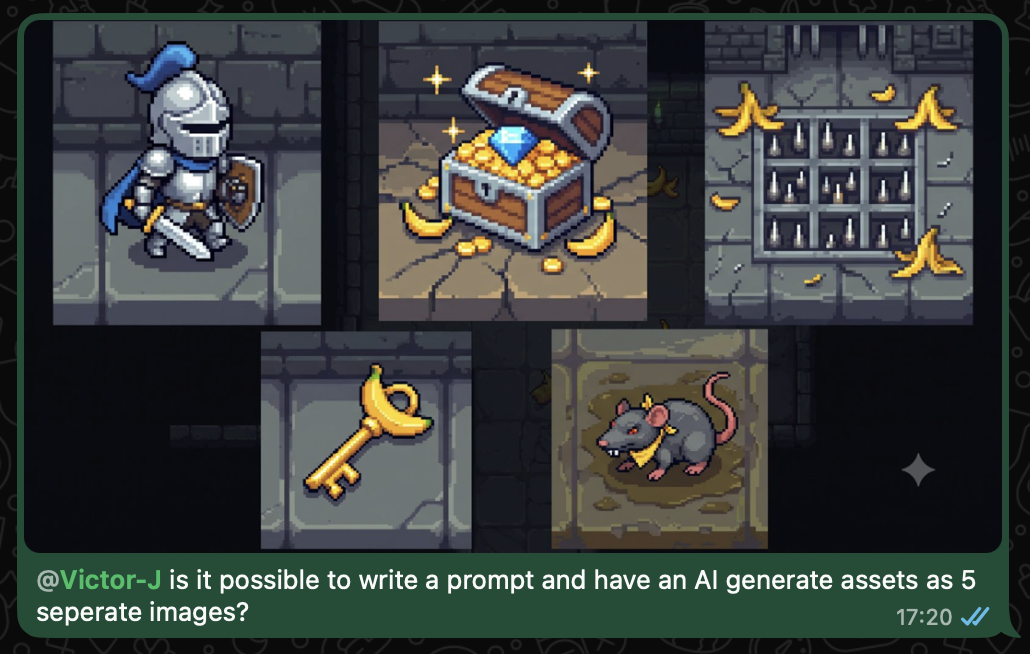
Taps to the rescue
@Ibra I have experience with this you won’t be able to use the AI can’t generate the assets needed for pixel art games because of the direction character sheet need for icons you might be fine but you will struggle with style consistency it’s why for the game I am making I have changed my approach to not use assets at all though AI can use blender really well now so you could use it to make 3D assets if you have a well designed art style and images of all the assets you need - Tapuwa
Solution from Taps
Look on itch.io for assets you might find a free pack with all the assets you need already set up and AI could set up nicely and use them they have become good at using assets - Tapuwa
The Slop Wins
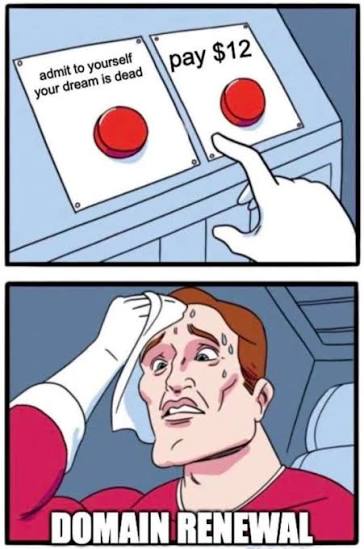
I had already invested so much time on this approach that I just did my best to salvage the situation. Sunk cost anyone?
The Salvage Job
To salvage the situation I used the following steps:
- I cropped each asset out of the image that contains all of them using ImageResizer.
hero.png: dimensions 758 x 848treasure.png: dimensions 759 x 849trap.png: dimensions 759 x 849key.png: dimensions 582 x 610rat.png: dimensions 597 x 610
- I resized them to the dimensions 64 x 64 using Canva. This involved centering the entity and cutting out some of the surrounding background.
- I removed the background from all the images using Remove.bg
I then asked Gemini to generate an image for an empty square in the grid:
Okay generate an image of an empty position
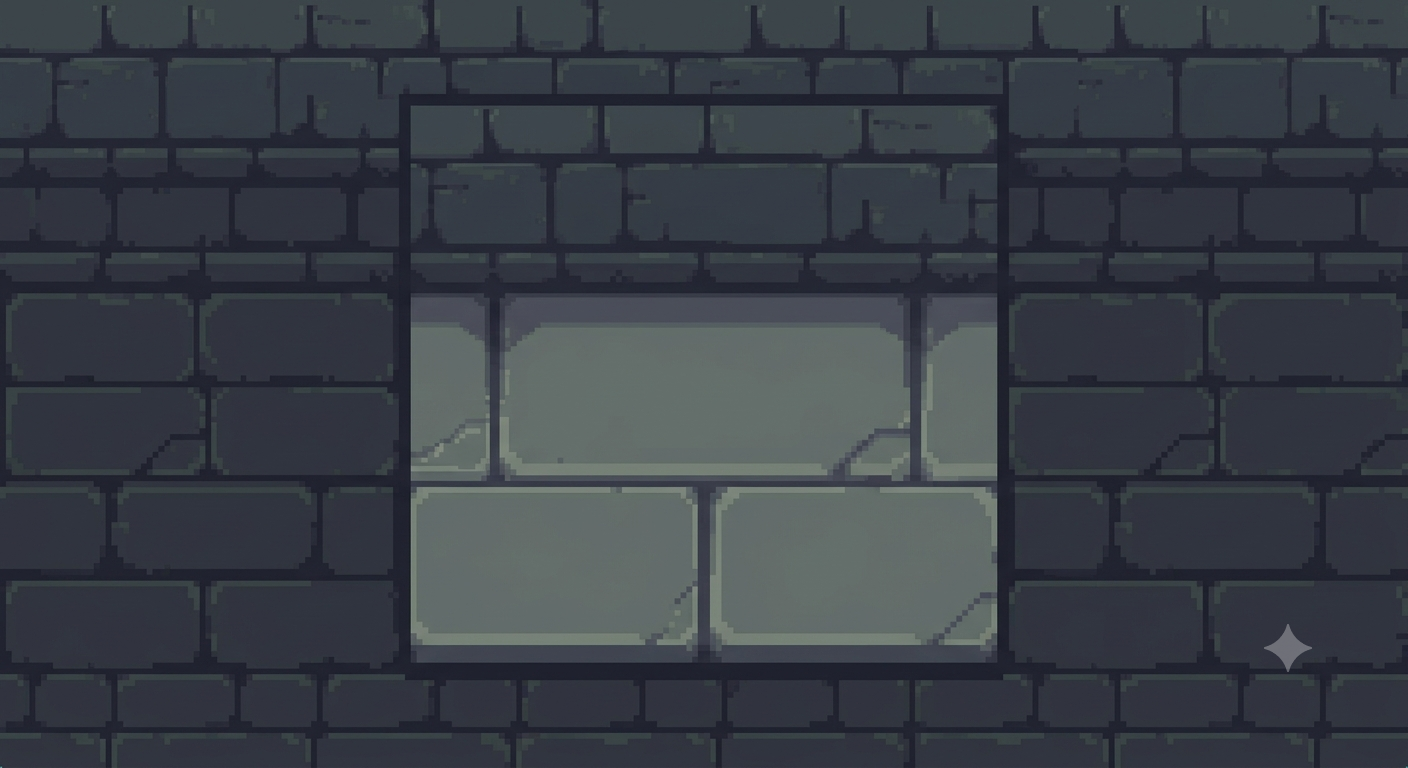
I resized this using Canva as well.
And just like that the Slop masterclass was over.
Dungeon Escape GUI
The Dungeon Escape GUI with the salvaged assets. Not too bad, right?
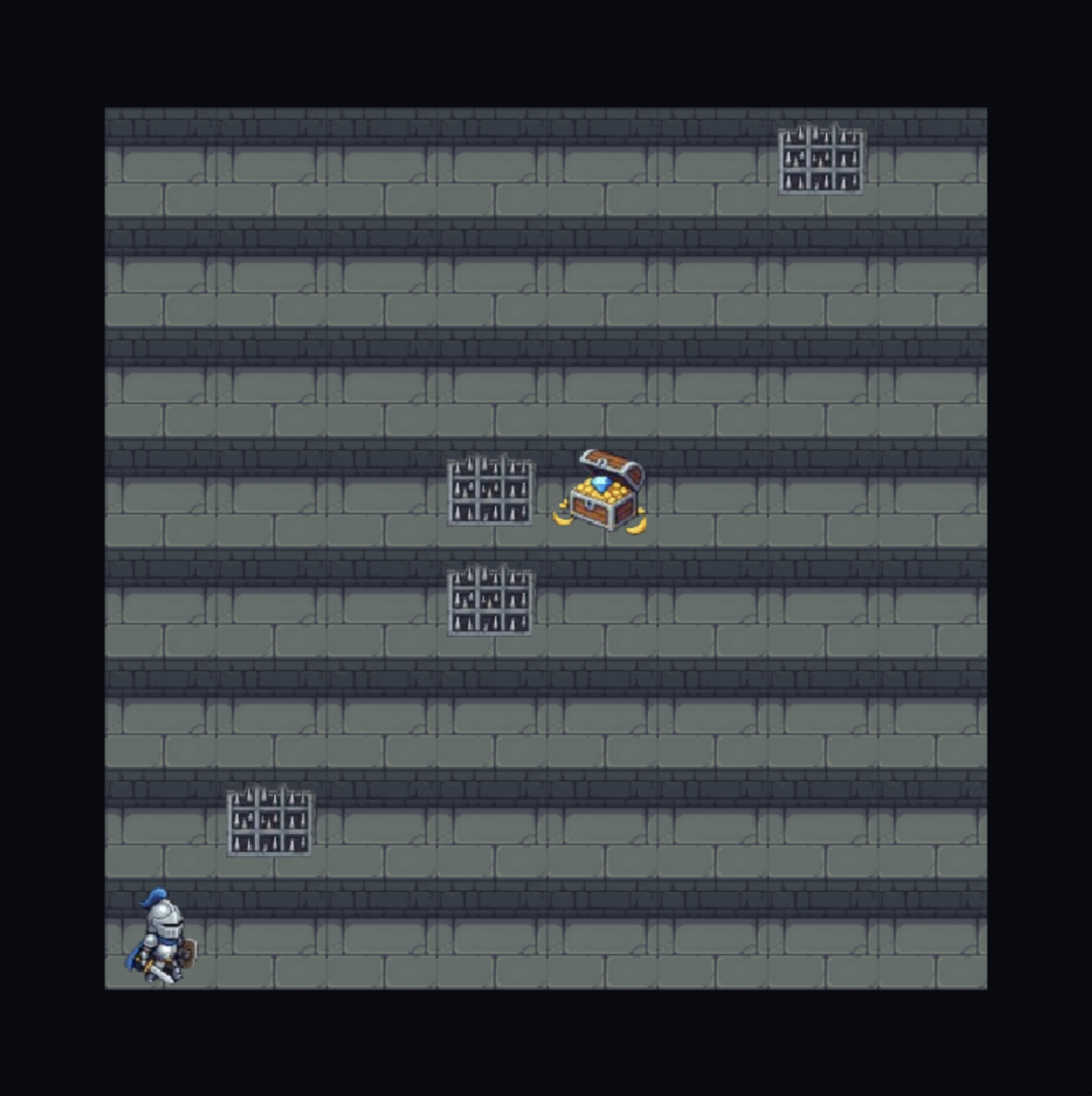
But I’m definitely telling my student to check out Itch.io though.
The real Dungeon Escape: Takeaways
- Generating game assets using mainstream AI products remains a poor route.
- It’s better to use AI embedded in the asset design tool e.g. Blender than a mainstream AI product.
- Do your best to be realistic about what AI can and cannot do well. It will save you so much time!