So This Time It Wasn't the Tutorial or Guide
published: July 22, 2026
tags:
hosting |
deployment |
ai |
cloudflare |
working-with-ai |
reading time: 4 minutes
by @ibrathesheriff 

So unlike in my last episode on this topic, Why do things never work out as seen in tutorials and guides, this one is on me. The tutorials and guides were actually on point and I just didn’t listen, I decided to reach for AI.
Background
So I wanted to deploy version 2 of hackthedegree’s Vue.js frontend to Cloudflare. Simple enough, I mean this site is hosted on Cloudflare.
Easy, ask Gemini (what could go wrong?)
I kicked off with this prompt:
I want to deploy my vuejs frontend to cloudflare now
I got these steps:
Step 3: Set Up Cloudflare Pages
- Log in to the Cloudflare Dashboard.
- In the left sidebar, navigate to Workers & Pages.
- Click the Create Application button.
- Select the Pages tab and click Connect to Git.
- Select your GitHub/GitLab account, choose your Vue project repository, and click Begin setup.
It also gave me steps to deploy my VITE_API_URL environment variable as well.
When the wheels fell off the bus (what’s new?)
Gemini asked me to add wrangler.jsonc file in the root of my project with the following information:
{
  "name": "hackthedegree-app",
  "pages_build_output_dir": "dist",
This is important to avoid this error:
✘ [ERROR] Missing Pages project name. Use --project-name <name> or set the name in your Wrangler configuration file.
I set my build command to:
npm run build
As I had setup the Cloudflare page using my GitHub repository, Cloudflare suggested the following deploy command:
npx wrangler deploy
But Gemini said I should use this instead:
npx wrangler pages deploy dist
And this caused all the chaos:
12:06:21.190

✘ [ERROR] A request to the Cloudflare API (/accounts/5159cbd25743dad69c08d140a7f775c7/pages/projects/hackthedegree-app) failed.

12:06:21.190

12:06:21.190

Authentication error [code: 10000]
...
The final phase of the pipeline where Cloudflare deploys application just kept failing.
Gemini attempts
Gemini suggested a few workarounds:
- Create a new Cloudflare API Token for the deployment:
- Disconnect the GitHub repository and Connect it again.
- Changing the deploy command to
echo "Skipping Wrangler deployment"lol.
The last suggestion did the trick. Only problem was that when I went to the page URL it just showed:
Hello World
So I gave up ;(
I deleted the Cloudflare application and decided to start from scratch. This time I followed the suggestions from Cloudflare: I set my build command to:
npm run build
I set my deploy command to:
npx wrangler deploy
The build phase succeeded but the deploy phase failed again but this time with a different message:
13:01:36.819
Success: Build command completed
13:01:37.055
Executing user deploy command: npx wrangler deploy
13:01:38.242
npm warn exec The following package was not found and will be installed: [email protected]
13:01:48.249
13:01:48.249
 ⛅️ wrangler 4.113.0
13:01:48.249
────────────────────
13:01:48.543
▲ [WARNING] It seems that you have run `wrangler deploy` on a Pages project, `wrangler pages deploy` should be used instead. Proceeding will likely produce unwanted results.
13:01:48.543
13:01:48.543
13:01:48.543
? Are you sure that you want to proceed?
13:01:48.544
🤖 Using fallback value in non-interactive context: yes
13:01:48.555
13:01:48.555
Cloudflare collects anonymous telemetry about your usage of Wrangler. Learn more at https://github.com/cloudflare/workers-sdk/tree/main/packages/wrangler/telemetry.md
13:01:48.556
13:01:48.558
✘ [ERROR] Missing entry-point to Worker script or to assets directory
13:01:48.558
13:01:48.558

13:01:48.558
  If there is code to deploy, you can either:
13:01:48.558
  - Specify an entry-point to your Worker script via the command line (ex: `npx wrangler deploy src/index.ts`)
13:01:48.559
  - Or add the following to your "wrangler.jsonc" file:
13:01:48.559

13:01:48.559

13:01:48.559
  {
13:01:48.559
    "compatibility_date": "2026-07-22",
13:01:48.559
    "main": "src/index.ts"
13:01:48.559
  }
13:01:48.559

13:01:48.559

13:01:48.559

13:01:48.559
  If are uploading a directory of assets, you can either:
13:01:48.559
  - Specify the path to the directory of assets via the command line: (ex: `npx wrangler deploy --assets=./dist`)
13:01:48.559
  - Or add the following to your "wrangler.jsonc" file:
13:01:48.559

13:01:48.559

13:01:48.559
  {
13:01:48.559
    "compatibility_date": "2026-07-22",
13:01:48.559
    "assets": {
13:01:48.559
      "directory": "./dist"
13:01:48.559
    }
13:01:48.560
  }
13:01:48.560
I decided to solve the problem like I was trained to do in University. I just read the output and tried to develop a solution based on the information. This output was amazing, it literally told me how to solve the problem. Talk about hand holding.
Fixed!
I simply updated my wrangler.jsonc to:
{
  "name": "hackthedegree-app",
  "pages_build_output_dir": "dist",
  "compatibility_date": "2026-07-22",
  "assets": {
    "directory": "./dist"
  }
}
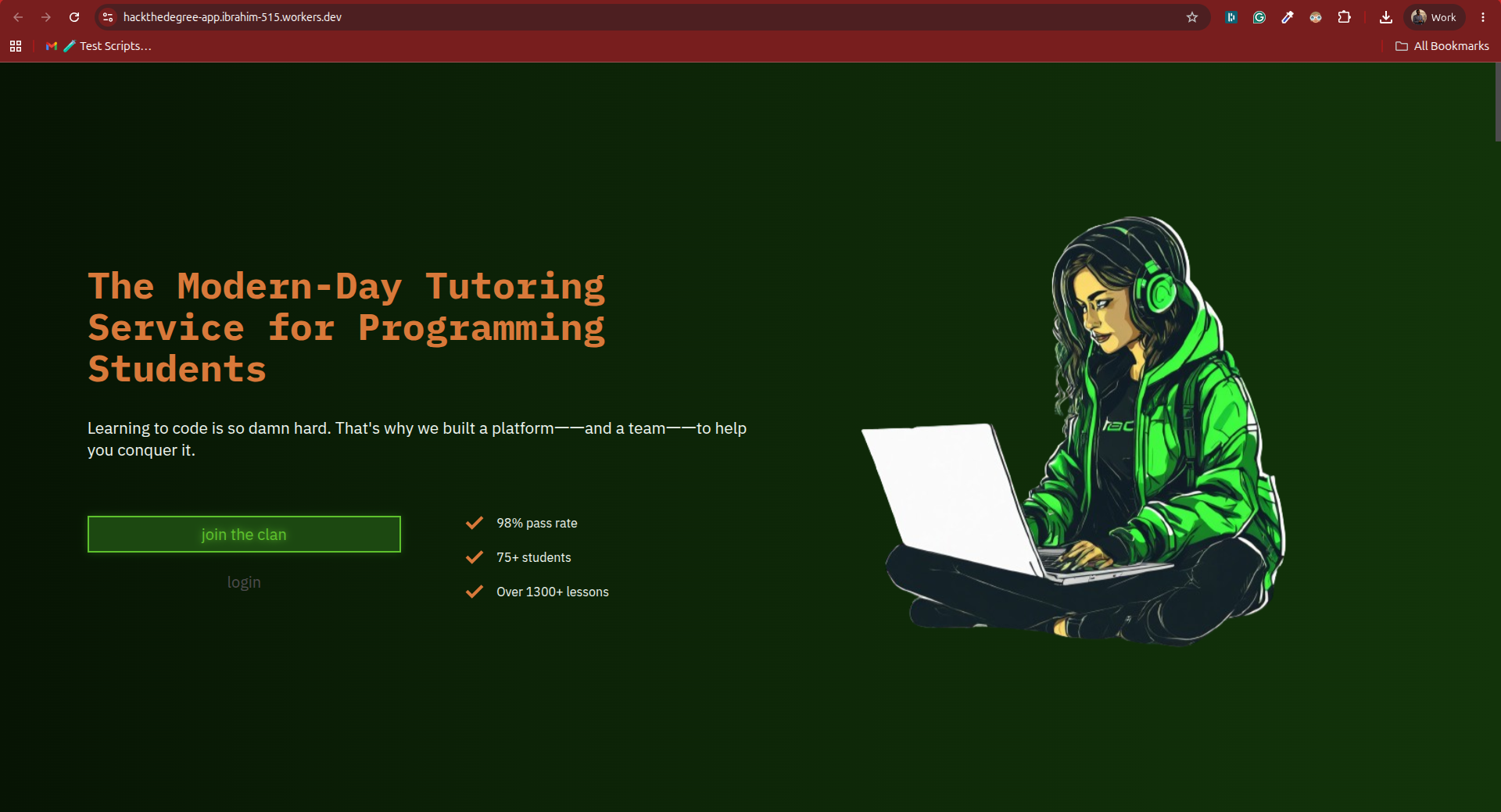
Voilà
Just me and deployments (what’s new?)
I’m not a DevOps guy so when it comes to deployments I just second guess myself a lot. I also have an unlucky streak of following tutorials/guides and not getting the desired outcome.

Before this avoidable episode I successfully worked with Gemini to fix typescript issues and update a test case with no headaches. I asked Gemini X and got functional solution Y.
AI continues to be a fixed bag for me in 2026, I just feel I do not get as much productivity out of it like the Twitter/X tech bros. What am I missing?