Setting Up A Bun, Ink and React CLI tool
published: February 18, 2026
tags:
bun |
ink |
react |
reading time: 1 minutes
by @ibrathesheriff 
So…
Using create-ink-app,
npx create-ink-app <my-ink-cli>
# or,
npx create-ink-app --typescript <my-ink-cli>
to quickly scaffold a new Ink-based Command-Line Interface(CLI) seems to come with a chain of weird issues these days:
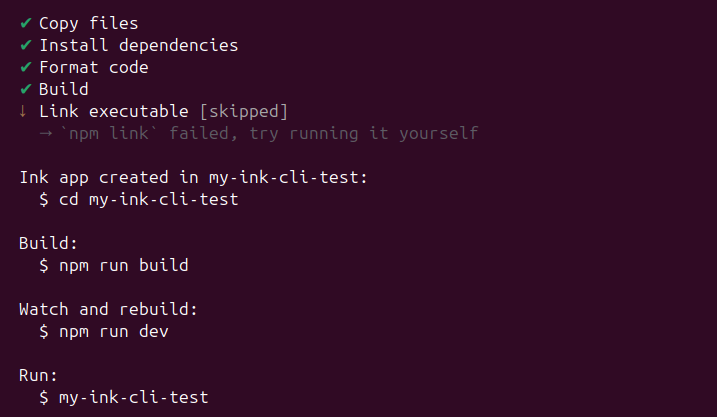
Or the chilling,
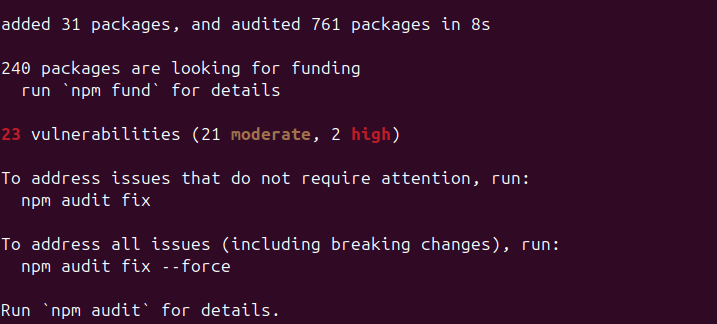
This is not the point of this note but was definitely one of the reasons why I got to this solution.
Initialise the project
mkdir <my-ink-cli> && cd <my-ink-cli>
bun init -y
Install dependencies
bun add ink react
bun add -d @types/react typescript
Configure TypeScript: tsconfig.json
{
  "compilerOptions": {
    "target": "ESNext",
    "module": "ESNext",
    "moduleResolution": "bundler",
    "jsx": "react",
    "strict": true,
    "outDir": "dist"
  },
  "include": ["src"]
}
And yes for "jsx" just use "react" instead of "react-jsx"
Create the entry point for the CLI tool
mkdir src && touch src/cli.tsx
Then add the following test code into the src/cli.tsx file:
import React from "react";
import { render, Text, Box } from "ink";

const App = () => (
  <Box flexDirection="column" padding={1}>
    <Text color="green">Hello from Ink + Bun!</Text>
    <Text dimColor>Your CLI is ready.</Text>
  </Box>
);

render(<App />);
Update your package.json
{
  "name": "my-cli",
  "version": "1.0.0",
  "type": "module",
  "bin": {
    "my-cli": "./dist/cli.js"
  },
  "scripts": {
    "dev": "bun run --watch src/cli.tsx",
    "build": "bun build src/cli.tsx --outdir dist --target node",
    "start": "bun run src/cli.tsx"
  }
}
If you have "module": "index.ts" you can leave it in.
Then run it!
bun run start